Librewolf and macOS Tahoe
Last night I updated a less-often used machine of mine from macOS 15 Sequoia to Tahoe 26.1. When launching Librewolf, I was greeted by this all-too-familiar error about the app being “damaged”…
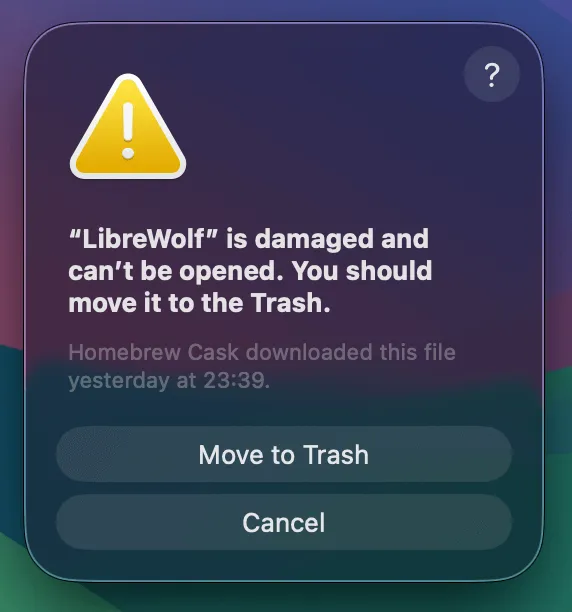
In the past, this was an easy fix by simply reinstalling with brew install librewolf --no-quarantine. However, the --no-quarantine option has been deprecated in Homebrew due to Apple dropping support for Intel macs.
For now, the quarantine can be bypassed as follows:
xattr -d com.apple.quarantine /Applications/Librewolf.appI also found this GitHub Gist that does pretty much the exact same thing.